How to Add a Link to an External Website with Side Menu Plugin
In this tutorial you will learn the steps on how to add your business link or other external links to the menu. You can access it via Menu Settings (Plugin Manager > Menu > Side Menu) or via the Active Plugin (Active Plugins > Side Menu).
How to Add a Menu Entry to the Side Menu
In addition to articles about Menu Overlay, this article will be looking at the steps to add a menu entry to the side menu. You can access it via Menu Settings (Plugin Manager > Menu > Side Menu) as well as via the Active Plugin (Active Plugins > Side Menu).
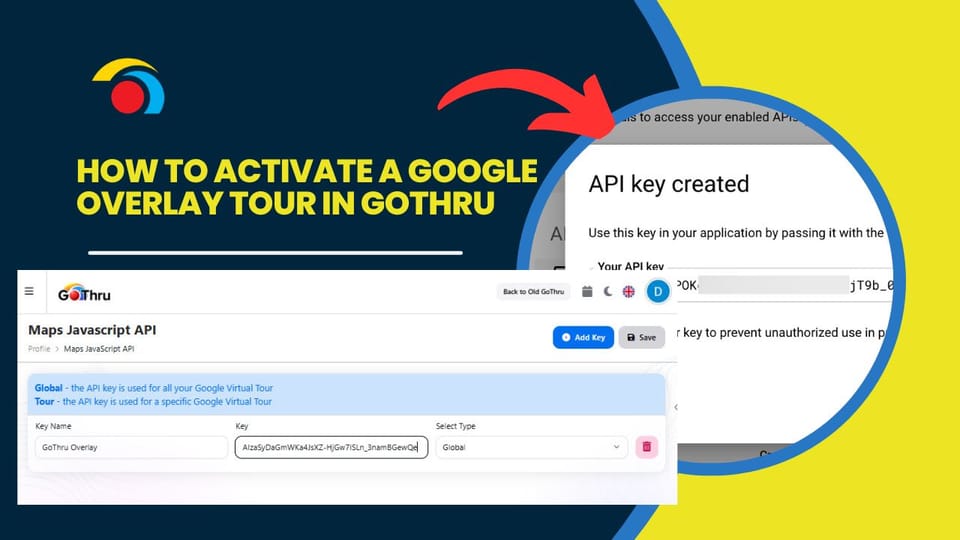
How to create a Google API key for GoThru Google Overlay
1) Go To https://console.developers.google.com
2) Agree
How to Add a Logo to the Side Menu
In Gothru Overlay editor you are able to put your
How to Add a Sub-menu Entry to the Side Menu
In Gothru Overlay editor you are able to create a multilevel menu via Overlay Menu Settings (Plugin Manager > Menu > Side/Top Menu) as well as via the Active Plugin (Active Plugins > Side/Top Menu).
How to work with the Google Contribution page
In this tutorial, you will learn how to work with Google Contribution feature, which facilitates the interaction between GoThru and Google.
How to Add Google Analytics to an Overlay Tour using the Code Plugin
Adding Google Analytics to your virtual tour enables you to track the number of visitors to your tour, the search keywords they use to find your site, the time spent on your site, goal conversion, and much more.
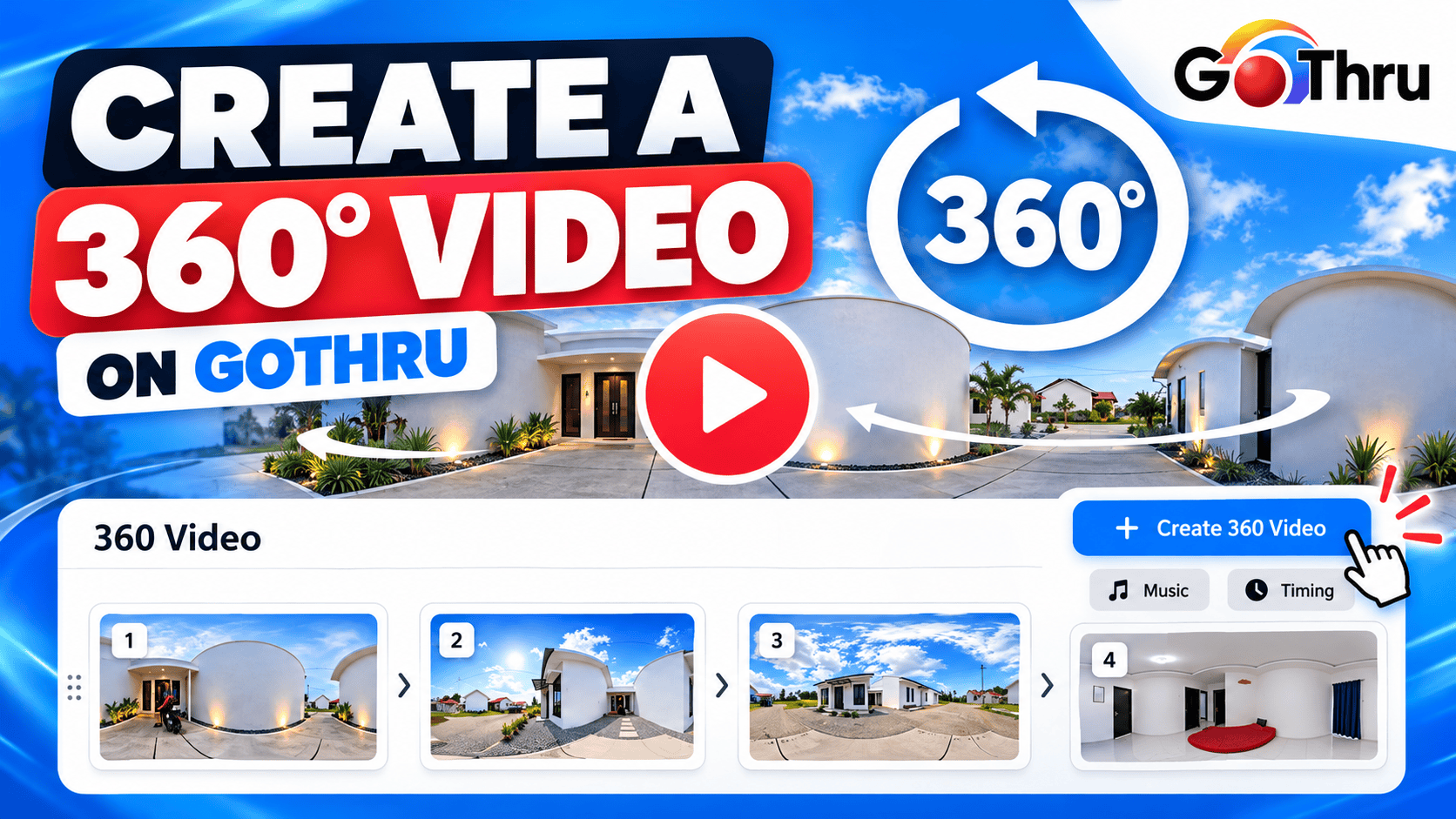
How to create a GoThru 360 video with a logo bumper
The 360 Video create screen is where you convert your virtual tour into a 360 video. You can select multiple panoramas, rearrange panoramas, select the music, and the number of seconds per slide.
Google Street View settings
Before uploading any panoramas to Google Street View, please make sure you do the two settings described below. This operation will spare you some issues regarding the upload of your GoThru tours on Google Street View.
How to Fix a Tour Published to the Incorrect Location
If by mistake, you published a tour to the wrong Google Maps page or location, GoThru allows you to fix the problem. The fix consists of cloning the tour to a new Google Map page, as described below: