
Featured

How To Create A Walkthrough Video That Walks You Through Up To 20 Connected 360 Images.
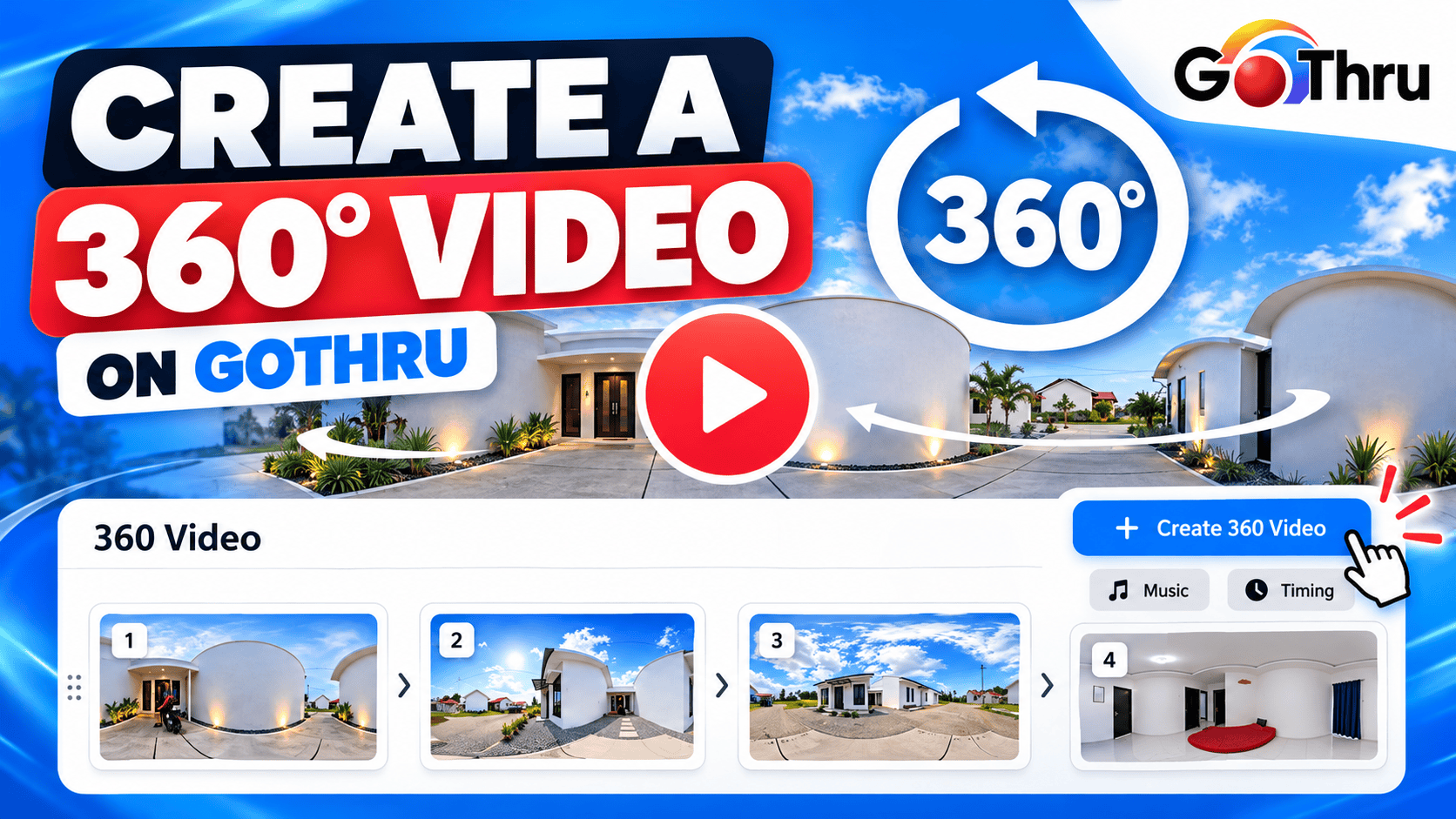
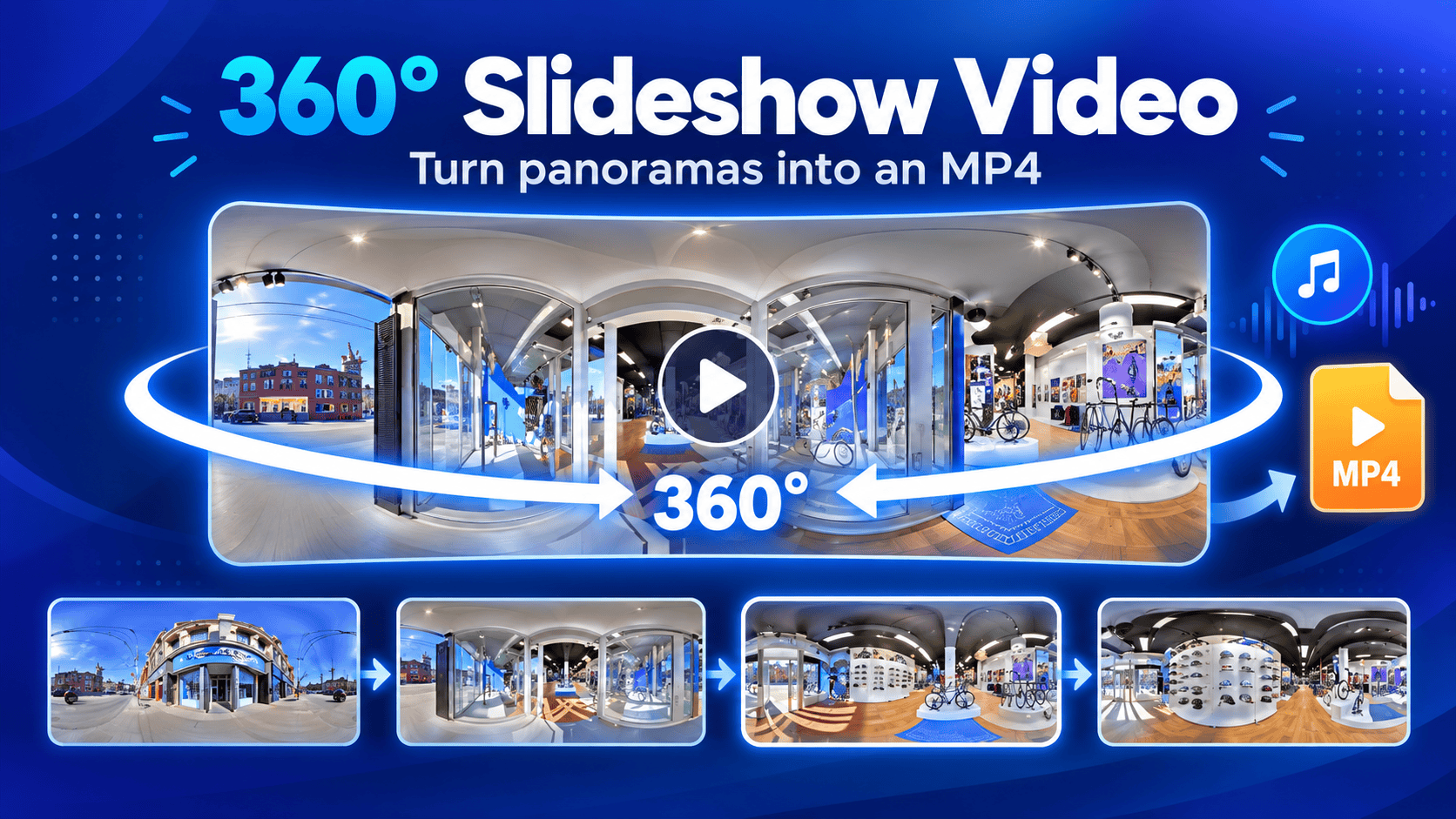
In the Walkthrough Video create screen, there are two video options you can create - walking video or slideshow video. Walking creates a video that walks you through connected panoramas and slideshow creates a video that rotates you 360 degrees on each selected panorama.
How To Clone An Overlay To Other Tours Using Gothru Overlay Editor
If you need an exact copy of an overlay project with all the embedding plugins, you can use the cloning function of the Overlay Editor.
How To Use The Multiple Virtual Tour Function In Overlay Editor
Extending the cloning functionality already in GoThru Overlay Editor that allows you to create different versions of an Overlay, GoThru Overlay Editor now supports multiple overlay functionality.
How To Add Labels To Panoramas Using Pano Label Plugin
Pano Label is another attribute that can be added to your overlay. This plugin is used to provide a pano title that is clickable and shown over the panorama. Pano label is also used to improve the navigation and tell the visitors information about what they are exploring within a virtual tour.
How To Work With Mapbox Plugin
The other type of map you can add on your overlay is Mapbox. This map shows the satellite view of the constellation based on CID or addresses you input in the constellation on GoThru Moderator.
How To Work With Compass Plugin
Compass plugin allows you to put a compass for tour navigation that indicates direction. It can be set up from Other > Compass, in the plugin manager.
How To Add And Remove A Password From A Tour Using Password Plugin
If you use a Gothru Overlay Editor, you probably have a tour that you wouldn’t want other people to access. You might share not only the average person, but also businesses, government institutions, and millions of other people worldwide.
Deep Linking for GoThru VR Navigator
Create custom deep links for GoThru Navigator. Once you'
How to Create a Multiple Level Map in Floor Map Plugin
Floor Map allows you to make multiple level maps in one overlay which is very suitable to show building directories such as houses or buildings with multi-stories. Also, it is supported by a level switcher so the users can go floor to floor and reach specified rooms directly.
How to Work with Floor Map Plugin
Floor Map allows you to make multiple level maps in one overlay. It is very suitable to show building directories such as houses or buildings with multi-stories. It is supported by a level switcher so the users can go floor to floor and reach specified rooms directly.