
Featured
How to Use Auto Blur to Detect Faces and License Plates in Your Panoramas
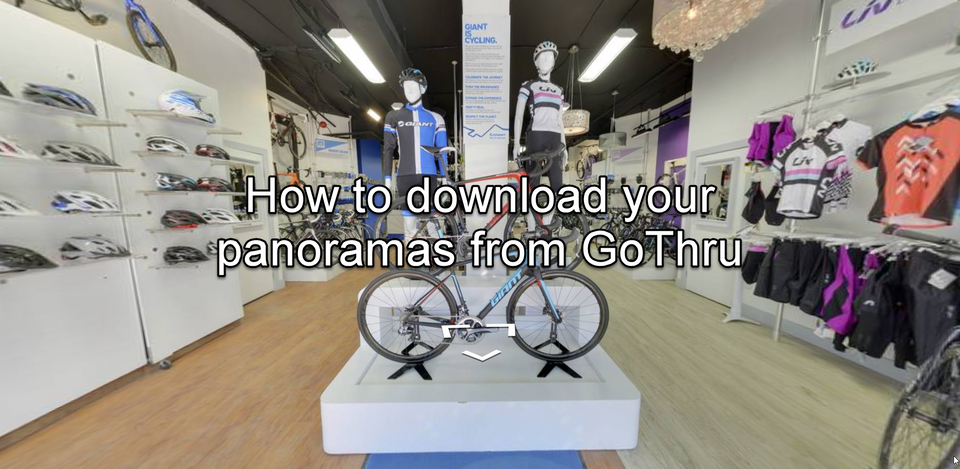
GoThru helps you do the blurring in a faster way using the Auto Blur function that detects faces and plates automatically in your 360 panoramas.
How To Use The Search Plugin For Your Virtual Tour Projects
GoThru is adding a new plugin to Overlay Editor that allows user to search through all the Hotspots in the tour.
How To Export & Import Hotspot Content
Overlay Editor allows you to export all your Hotspots that have a TAG ID to a CSV file. Here are the steps how to export and import hotspots content using GoThru overlay editor.
How To Download Panoramas From Google
Here’s a simple way for snapping 360 images directly from Google Street View at no cost.
How To Share And Collaborate On A Tour In GoThru Moderator
This section shows how to share a tour in GoThru Moderator for multiple users where other people can access it and make edits.
How To Share An Editable Tour In GoThru Overlay Editor
To share a tour project with more than one person without entering individual email addresses, you can use the Overlay Editor share function that allows anyone who has the link to open and edit a tour.
How to Extract High-Quality Still Images from Panoramas Using GoThru
Whilst creating your 360 virtual tours using GoThru Overlay Editor, it is also possible to extract HD still photographs from your 360 photographs.
How To Install A Virtual Tour On An IOS Device For Offline Access
GoThru allows you to take virtual tours of properties, venues and other physical spaces offline and navigate within a tour even without an internet connection.
How To Install A Virtual Tour On An Android Device For Offline Access
The Gothru allows you to take virtual tours of properties, venues and other physical spaces offline and navigate within a tour even without an internet connection.
How To View A Downloaded Virtual Tour On Your Local Windows And Mac Machine
Another way to view a virtual tour from GoThru is to download it to your local Windows or Mac and view it offline. This method allows you to take virtual tours of properties, venues and other physical spaces offline and navigate within a tour even without an internet connection.