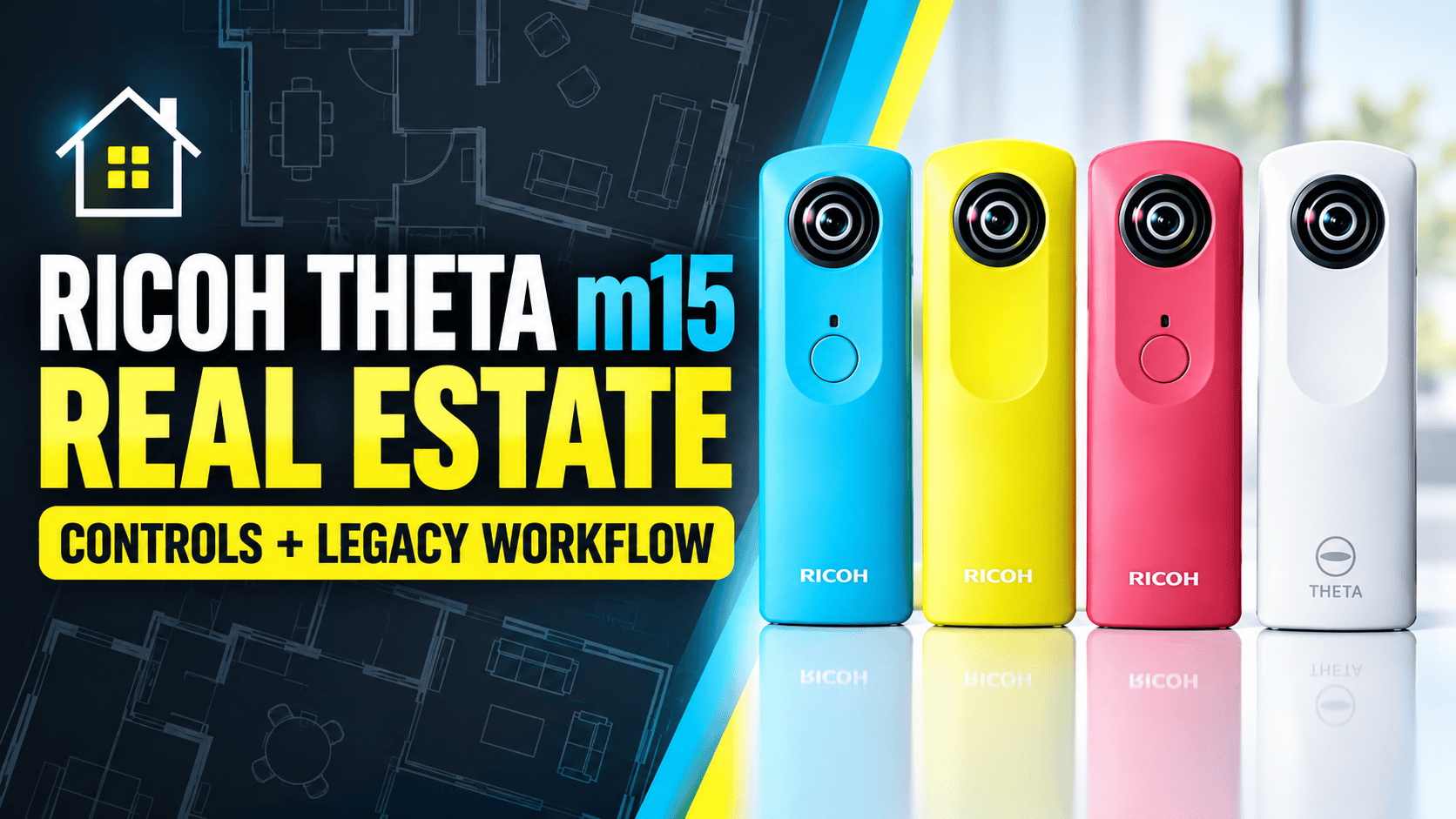
Ricoh Theta m15 for Real Estate: Controls & Legacy Workflow
Legacy camera guide · Property and site overviews
The Theta m15 deserves its own assessment rather than being treated as either the original Theta or the later Theta S. Its documented priority modes offer control over still photography, but image detail and access to the old phone app are important limits for a business evaluating a used camera.
Our assessment: test an existing unit before committing it to client work
For an owner with a working m15 and compatible control setup, the camera may still be useful for basic spatial overviews. For a new real-estate service, we would require a convincing indoor sample and a complete, repeatable export workflow before considering it. An inexpensive camera is not inexpensive if it creates repeated visits or processing problems.
Confirm the exact model in any listing. Video support does not establish improved property stills, and the Theta family name does not establish access to later models' HDR or RAW features. Evaluate what this particular unit can deliver now.
What the m15 manual actually specifies
| Item | Documented capability |
|---|---|
| Still modes | Auto, shutter priority, ISO priority |
| Still files | JPEG |
| Still shutter range | 1/8000–1/7.5 second |
| Still sensitivity | ISO 100–1600 |
| Exposure compensation | −2 to +2 EV, 1/3-EV steps |
| Storage | Approximately 4 GB internal |
| Power and weight | Built-in USB-charged battery; approximately 95 g |
| Operating temperature | 0–40°C |
Source: Ricoh's m15 specification page. The manual makes smartphone access a requirement for changing modes and manual settings.
Priority modes and a restart trap
The shooting-condition instructions distinguish three modes: Auto controls exposure and white balance; ISO priority lets you choose sensitivity and white balance; shutter priority lets you choose shutter speed and white balance. This is not a documented full-manual mode in which both exposure variables are independently selected.
Ricoh also says the camera returns to Auto each time it powers on. Our practical recommendation is to check mode and white balance after every restart rather than assuming a previous room's settings remain active. Consistency across a property is easier to assess when the capture settings are recorded.
Priority control does not remove the need to inspect the result. In a room with bright windows, evaluate highlight clipping and shadow noise separately. A low ISO choice is not proof of a well-exposed room, and exposure compensation is not automatic HDR merging.
Storage capacity is not battery endurance
Ricoh's approximate still-photo capacities
Internal storage — about 1,200 photos
One full charge — about 200 photos
The point of this comparison is operational: free space does not tell you how much battery remains. Measure endurance with the actual camera, phone and capture routine before planning a site visit. Keep backup copies independently of the camera's internal memory.
What firsthand reviews found
Photography Blog's October 2015 review reports 3584 × 1792 stills, approximately 6.42 MP. Its tester found fine detail limited even on a phone display, with visible noise at low sensitivity. These are historical observations from that review, not our measurements or a controlled comparison with current equipment.
The review is by Mark Goldstein. The cited manufacturer specification does not give exact pixel dimensions, so the dimensions above remain attributed to his test rather than presented as independently confirmed manufacturer data. Compare the camera original with your exported copy before treating either as the full-resolution file.
The PentaxForums m15 test also illustrates exposure differences between opposing views and discusses flare. Its discussion of directly accessible JPEGs is useful for understanding the files, but its heading “Raw Camera Output” does not mean the camera records a RAW photographic format.
For property delivery, use these reports to choose demanding sample scenes rather than to assign an invented score. Inspect a window-facing room, a dim corridor and close door frames. Judge the complete sphere at the same viewing angle used for competing samples; zoom capability alone does not establish useful detail.
Ben Claremont's m15 connection: creative history, not a current endorsement
In the transcript of his September 2024 podcast, Ben Claremont recalls making an early tiny-planet tutorial with the Theta m15 in 2016. That is direct creator context for its role in accessible spherical photography—not a recommendation to buy one for modern property commissions.
A tiny-planet image is a creative projection, not the full-sphere deliverable needed for a walkthrough. Preserve an unaltered panorama even when making social-media crops. We have not verified an m15-specific indoor benchmark from Hugh Hou or Ben Claremont; the image-quality findings here are attributed to the written tests above.
Phone access is part of the camera's practical capability
Ricoh's September 2026 Android notice excludes the m15 from the successor RICOH360 app. From 1 November 2026, certain new installations of the discontinued RICOH THETA app on Android 15 or later will be unavailable.
The change does not disable already installed apps. Ricoh describes reinstallation for qualifying accounts that previously installed the app, while declining to guarantee future OS compatibility. A used-camera buyer should therefore test their own phone and account, not rely on a seller's demonstration on a different device.
This matters beyond remote triggering: the documented priority modes depend on app access. A unit that can still take a picture with its physical button may not provide the control workflow you expected. Avoid promising app-dependent work until the complete setup has been demonstrated.
Keep still-photo transfer separate from video conversion
Ricoh's computer-import instructions document USB retrieval and separately instruct users to convert MOV video files with the desktop application. Do not apply that video-conversion requirement to ordinary JPEG stills. The archived instructions are not proof of compatibility with every current computer.
Check the transfer setting before shooting: the m15 settings manual says phone transfers reduce still-image size. Its Copy option leaves the original in camera memory; Move deletes it after transfer. Use Copy and verify an independent original-file backup before clearing the camera. These are instructions for the documented legacy app, not a test of every later version.
- Capture a new indoor scene. Confirm the file is new and review the settings used.
- Copy and preserve it. Verify retrieval before deleting anything from internal memory.
- Review the sphere. Inspect horizon, seams, windows and the floor beneath the support.
- Test delivery. Upload the intended panorama and check initial view, room links and mobile rendering.
GoThru operates this publication. We have not completed an m15-specific upload test, and a JPEG file alone is not evidence of every platform's integration features.
Construction-site records and interval shooting
The manual documents interval shooting from 5 seconds to 10 minutes. That can support experiments with repeated capture, but does not establish unattended long-term operation, weather resistance or an automatic progress-comparison service.
For scheduled visits, use a list of named positions, dates and camera heights. Record missed areas and changed viewpoints. Keep detailed photographs of specific components separate from the overview tour; limited-resolution panoramas should not be represented as a substitute for close inspection.
Check safe access and environmental suitability before placing a camera on an active site. This guide establishes no dust, water or hazardous-location certification. A visual record is not a measured survey, verified building-model alignment or automated defect detection.
The m15 care page warns against getting the camera wet or using it with wet hands, and notes shorter battery operation in cold conditions. Keep this legacy kit protected during transport and choose dry capture conditions. Do not interpret interval mode as permission to leave it exposed on a construction site.
Travel use and the purchase decision
The small body may make an already-owned m15 enjoyable for destination storytelling. Test the entire capture-to-viewing process before departure, and plan around battery condition and working software rather than the original sales promises.
Owner-operated Panorra offers a related storytelling context, not proof of tested m15 compatibility. Preserve originals outside any sharing account.
Our decision rule is to evaluate the finished output and the effort required to obtain it. Keep a working m15 when it serves a clear, modest purpose; for a new business purchase, require stronger evidence than low price, a familiar brand or one attractive sample.
Compare what changes—not just the Theta name
| Question | Comparison guide |
|---|---|
| What did the first generation offer? | Original Theta: distinguish its automatic exposure workflow from the m15's documented priority modes. |
| Would a later legacy model help? | Theta S: investigate its still workflow, while recognizing that it also lacks successor-app compatibility. |
| A JPEG-oriented room camera with a successor-app path? | Theta SC2: compare capture effort, supported software and the actual interior result. |
This is a shortlist for comparison, not our own quality ranking. Include a working phone, support, charging, backup storage and correction time in the job cost. For business use, time the process from arrival to accepted hosted tour; a cheaper camera can cost more if the workflow repeatedly needs intervention.
Research checked 21 September 2026. No hands-on rating is assigned. Historical reviewer findings and untested current compatibility are identified above.




Comments ()