DJI Osmo 360 vs GoPro MAX2: Specs and Workflow Compared
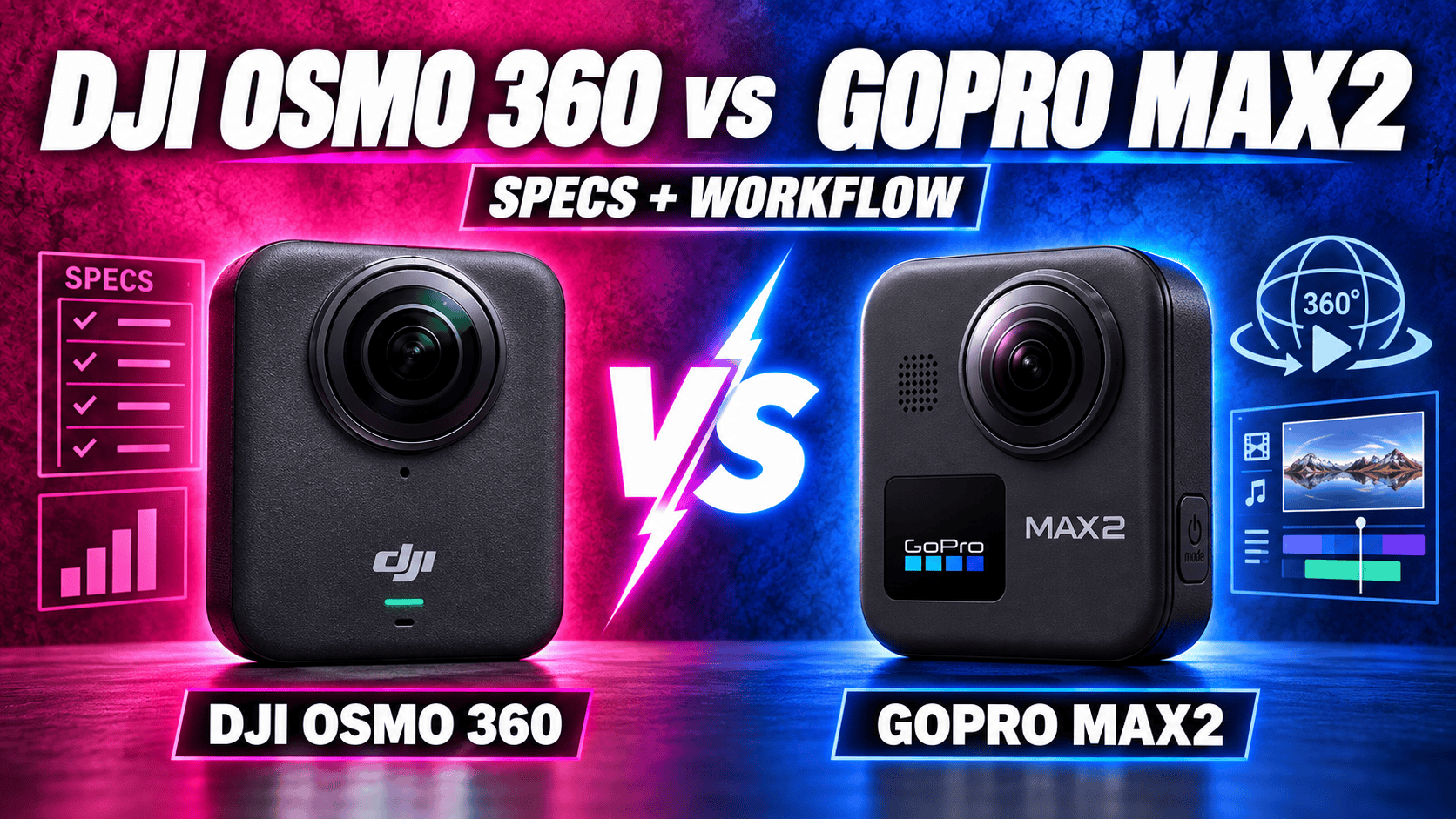
Technical comparison · Original Osmo 360 and MAX2
Osmo 360 combines 120 MP JPEG panoramas, internal storage and 8K50 video. MAX2 combines replaceable lenses, GoPro's editing workflow and optional Labs capture tools. Which is more useful depends on what you deliver and how you recover from problems in the field.
The practical decision: delivery format and field recovery
Choose the workflow before choosing the largest number. DJI's larger panorama dimensions provide more source pixels, but neither those dimensions nor its sensor-format label proves better finished room photographs. MAX2's replaceable lenses address damage and downtime; that is a separate advantage from image quality.
If native spherical RAW is essential, neither camera's cited standard-photo format list establishes it. MAX2's single-lens RAW support and optional multi-exposure Labs JPEG tools must not be mistaken for standard RAW panoramas. For travel video, compare exact frame sizes, frame rates and the editing pipeline instead.
Sensor, exposure and panorama specifications
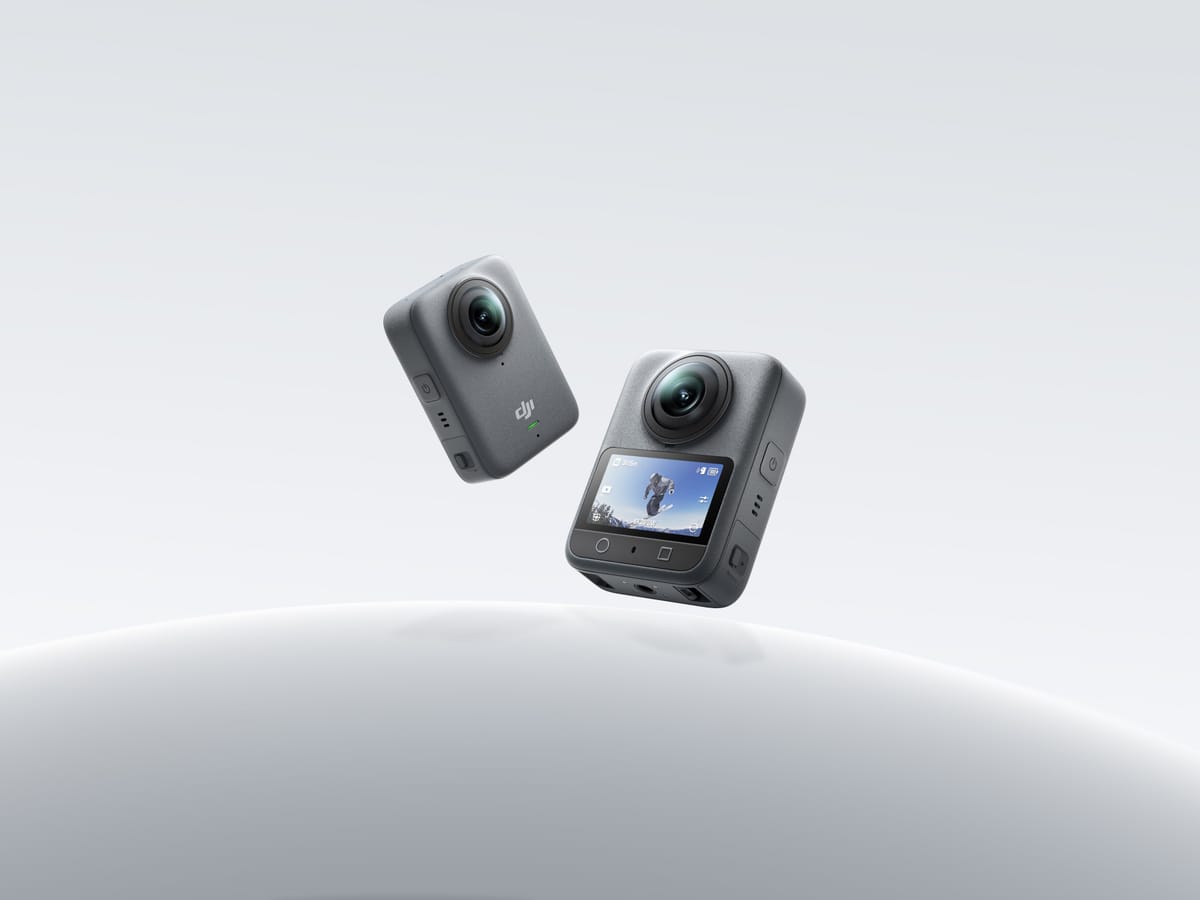
| Parameter | DJI Osmo 360 | GoPro MAX2 |
|---|---|---|
| Sensor format | Dual 1/ | Dual 1/ |
| Aperture | f/1.9 | f/1.8 |
| Largest spherical photo | 15520 × 7760; 120 MP | 7680 × 3840; approximately 29.5 MP |
| Single-lens photo | 6400 × 4800 | 4000 × 3000 |
| Standard spherical formats | JPEG | .36P or JPG |
| RAW distinction | Not established by the listed photo formats | RAW documented for single-lens photography, not ordinary spherical photos |
| ISO range | Published general range: 100–51200 | Photo: 100–3200; Night: 100–800; video: 100–6400 |
| Photo shutter | 1/ | Ordinary photo: Auto or 1/ |
| Focus / stitching distance | Focus from 0.35 m; at least 0.75 m recommended for stitching | Equivalent numeric clearance not established here |
| EV / white balance | Numeric adjustment limits not established here | ±2 EV; 2300–6500 K |
Sources: DJI specifications, DJI FAQ, MAX2 technical specifications and the MAX2 manual. DJI's general ISO range is not a promise that every mode accepts every value. A focus limit is not the same as safe stitching clearance.
Largest listed panorama width
Osmo 360 — 15,520 pixels
MAX2 — 7,680 pixels
JPEG, RAW and Labs HDRI are different deliverables
For ordinary still tours, both standard spherical-format lists lead to a processed-image workflow rather than a documented spherical RAW master. DJI's manual-exposure controls let an operator set shutter and ISO, but manual exposure does not change JPEG into RAW. MAX2's .36P file is intended for the GoPro workflow; its extension alone does not establish sensor-RAW data.
GoPro Labs bracketing adds an optional route: select exposure positions from −4 to +4 EV, use JPG instead of .36P and trigger with the physical shutter or a compatible BLE remote, not Quik. The tool's MAX2 RAW instruction applies to Single Lens. Optional renaming hides those files from camera/Quik playback, and the preset prevents automatic shutdown.
The separate Labs HDRI tool merges JPEG exposures into .HDR for lighting applications. Its page describes up to eleven two-stop exposures but retains nine-shot timing language later. Confirm the actual script behavior instead of promising a fixed duration. A lighting HDRI is not a ready-to-publish tour panorama: development, tone mapping and delivery-format checks are still separate work.
For a property trial, use the same tripod position, window scene and final output dimensions. Inspect seams, moving people, bright windows and dark furnishings, and time the full process to an accepted upload. Do not compare a carefully merged sequence from one camera with an unrelated automatic exposure from the other.
Spherical video, bitrate and color processing
| Parameter | Osmo 360 | MAX2 |
|---|---|---|
| 8K: 7680 × 3840 | 24/ | 24/ |
| Intermediate mode | 6K: 6000 × 3000 at 24/ | 5.6K: 5376 × 2688 at 25/ |
| Mode labelled 4K | 3840 × 1920 at 100 | 3328 × 1664 at 50/ |
| Original containers | OSV sphere; MP4 flat video | .360 sphere; MP4 flat video |
| Codec | HEVC | HEVC |
| Published bitrate | Up to 170 Mbps | Launch documentation: 120 Mbps; June 2026 update: up to 200 Mbps in specified modes |
| Log workflow | D-Log M | GP-Log |
| Microphones | Four | Six; stereo or 360 audio; WAV option is single-lens only |
The two “4K” spherical modes do not have the same recorded dimensions. Compare actual output, not the mode label. Similarly, a frame-rate advantage describes capture flexibility, not better low-light detail: exposure, processing and motion blur change with settings.
GoPro's 25 June 2026 firmware announcement assigns up to 200 Mbps to 8K 360 and 4K single-lens recording. Keep this distinct from launch documentation and separate Labs claims. Record firmware and mode when collecting clips; a bitrate ceiling alone cannot establish a quality ranking.
MAX2's launch manual lists 10-bit for ordinary 8K spherical and 4K single-lens recording. The linked June 2026 update adds 10-bit and GP-Log to TimeWarp, Night Effects, Time Lapse and Night Lapse. DJI documents 10-bit/D-Log M on its product overview; check the chosen mode rather than assuming all special modes share one color pipeline. Preserve originals and compare a common delivery grade, not a log image against an already graded clip.
Flat video and special modes
| Mode | Osmo 360 | MAX2 |
|---|---|---|
| Ordinary single lens | 5K, 4K or 2.7K; 4:3/16:9; 25/ | 4K landscape, portrait or 4:3; 24/ |
| High-frame-rate flat recording | Boost: 4K/2.7K up to 120 fps, including portrait formats | 1080p landscape/portrait at 50/ |
| Low-light spherical video | SuperNight: 8K/6K at 24/ | Equivalent dedicated mode not established here |
| Moving timelapse | Hyperlapse: 8K25/ | TimeWarp: spherical 8K30/5.6K30; flat 4K30/1080p30 |
| Stationary timelapse | 8K25/ | Time Lapse / Night Lapse: spherical 8K30/5.6K30 or standard 29 MP photos |
| Selfie output | 3840-square up to 60; 3000-square up to 120; 1920-square up to 240 fps | POV and Selfie retain full 360 recording; 8K up to 30, 5.6K up to 60, labelled 4K up to 100 fps |
| Vortex | 6000 × 1500 at 100/ | Equivalent mode not established here |
Sources: DJI's linked current mode table and MAX2 technical specifications/manual. DJI's narrow Vortex output and square Selfie output should not be described as complete ordinary spheres at the same frame rate. Capture interval and playback frame rate are also different settings.
For exact flat-frame dimensions, DJI's ordinary 5K offers 5120 × 3840 or 5120 × 2880; 4K offers 3840 × 2880 or 3840 × 2160; 2.7K offers 2688 × 2016 or 2688 × 1512. Boost adds 2160 × 3840 and 1512 × 2688 portrait options. MAX2's 4K frames are 3840 × 2160, 2160 × 3840 or 4000 × 3000; its 1080p options are 1920 × 1080 or 1080 × 1920. Resolution names alone conceal different crop and aspect-ratio choices.
DJI's timelapse intervals are 1/2/3/4/5/6/8/10/15/20/25/30/40 seconds or 1/2/5/30/60 minutes. Its Pre-Rec buffer offers 5/10/15/30 seconds or 1/2/5 minutes. MAX2's 29 MP burst settings are 5 or 10 frames in one second, 10 or 30 in three seconds, or 30 in six seconds. MAX2 Star Trails, Light Painting and Vehicle Lights produce 8K30 or 5.6K30 spherical video. These creative modes are not substitutes for a consistent room-by-room still-photo capture procedure.
DJI lists RockSteady 3.0 and HorizonSteady. Panorama stabilization is chosen on export in Mimo; single-lens HorizonSteady is restricted to standard-view, corrected 16:9 clips at up to 60 fps. MAX2 uses Max HyperSmooth and 360 Horizon Lock. These names establish available processing tools, not a measured walking-stability winner.
Storage, lens repair and power
| Parameter | Osmo 360 | MAX2 |
|---|---|---|
| Weight | 183 g | 195 g including battery and mounting fingers |
| Dimensions | 61 × 36.3 × 81 mm; L×W×H | 64 × 69.7 × 48.7 mm; W×H×D |
| Touchscreen | 2.0 inches; 314 × 556 | 1.82 inches |
| Battery | 1950 mAh removable | 1960 mAh removable Enduro |
| Storage | 128 GB internal, 105 GB available; microSD up to 1 TB | microSD A2 V30 or better; maximum capacity not established here |
| USB | 3.1 Type-C | 3.0 Type-C |
| Wireless | Wi-Fi a/b/g/n/ac/ax; BLE 5.1 | Listed Wi-Fi a/b/g/n/ac; BLE 5.3 |
| Operating temperature | −20–45°C | −10–35°C |
| Body waterproof rating | 10 m; IP68 | 5 m |
| User lens replacement | Equivalent procedure not established here | Replaceable by hand; manufacturer says no recalibration required |
GoPro's technical panel labels wireless “Wi-Fi 6” but its protocol list omits ax. The table preserves the listed protocols instead of resolving that inconsistency by assumption. DJI warns that the bare camera's water resistance does not prevent underwater refraction and stitching problems.
DJI quotes 100 minutes at 8K30, or 120 with Endurance, and 190 minutes at 6K24 Endurance. Those laboratory claims use 25°C, screen off and several controls/wireless features off; EU/UK results may differ. A comparable mode-specific MAX2 runtime has not been established here. The nearly equal mAh values are not evidence of equal endurance.
GoPro's comparison tool, with MAX2 selected, lists approximately one hour to 80% and two hours to full charge with a 3 A/15 W source. DJI's FAQ supports 30 W or higher PD 3.0 charging and both the 1950 mAh Extreme Battery Plus and 1770 mAh Extreme Battery. Do not infer a DJI full-charge time from charger wattage. Check accessory compatibility by exact model.
For construction visits, internal storage can rescue a forgotten-card day, whereas replaceable lenses can shorten damage-related downtime. Neither is a substitute for backups or lens protection. Copy masters before clearing storage, label spare batteries and inspect both lenses before leaving each site.
DJI supports its quick-release clips and a bottom 1/4-inch screw mount; its FAQ also confirms Osmo Action Quick-Release accessory compatibility. MAX2 has folding fingers, a 1/4-20 mount and compatibility with GoPro's Magnetic Latch Mount, plus built-in GPS and Bluetooth audio support. A shared thread does not guarantee every adapter clears the lenses or disappears cleanly at the stitch.
Desktop and mobile workflow
DJI's downloads page currently lists Mimo 2.12.0 with iOS 15 or Android 9 minimums and separate supported-device guidance. Studio 1.2.11 supports macOS 11 with Apple M1 or newer, or Windows 10 or later, and recommends at least 16 GB RAM. Treat these as compatibility guidance, not an 8K playback benchmark.
DJI's Resolve plugin requires preprocessing in Studio and export in its dedicated Resolve format. The listed minimums are Resolve 20.0.1, macOS 15, or Windows 10 64-bit 22H2/Windows 11. This extra export step matters when estimating storage and operator time.
GoPro Player supports reframing and batch export and lists macOS 10.14 or Windows 10, with HEVC-capable graphics guidance. Its separately offered HyperSmooth Pro explicitly does not support 360 content. Do not confuse that desktop product with MAX2's camera stabilization. Test your actual files and workstation before assuming either desktop pipeline is faster.
MAX2's manual documents Quik for changing settings and working with its footage. In POV and Selfie modes, the app presents a selected view while the underlying recording retains the sphere for later reframing. This comparison has not established a current MAX2-specific phone-performance baseline: verify your phone and app version with a representative long clip, rather than borrowing compatibility guidance for an older GoPro.
Which differences matter for your assignments?
Real estate: evaluate the delivered JPEG panorama and the time spent on difficult lighting. If spherical RAW is mandatory, investigate another documented RAW-capable model rather than treating single-lens RAW or merged HDRI as an equivalent capture format.
Construction: use fixed camera positions, consistent naming and repeatable exposure decisions. DJI's internal storage and MAX2's lens repair solve different risks. See the construction-site virtual-tour workflow; neither camera is presented as a calibrated surveying instrument.
Travel: preserve a spherical master separately from social crops. For owner-operated Panorra, validate the actual export and upload instead of assuming native camera-file support. Budget for cards, protection, spare power and editing time, not just the body.
Read the individual DJI Osmo 360 and GoPro MAX2 guides, compare MAX2 with Insta360 X5, or browse the comparison directory.



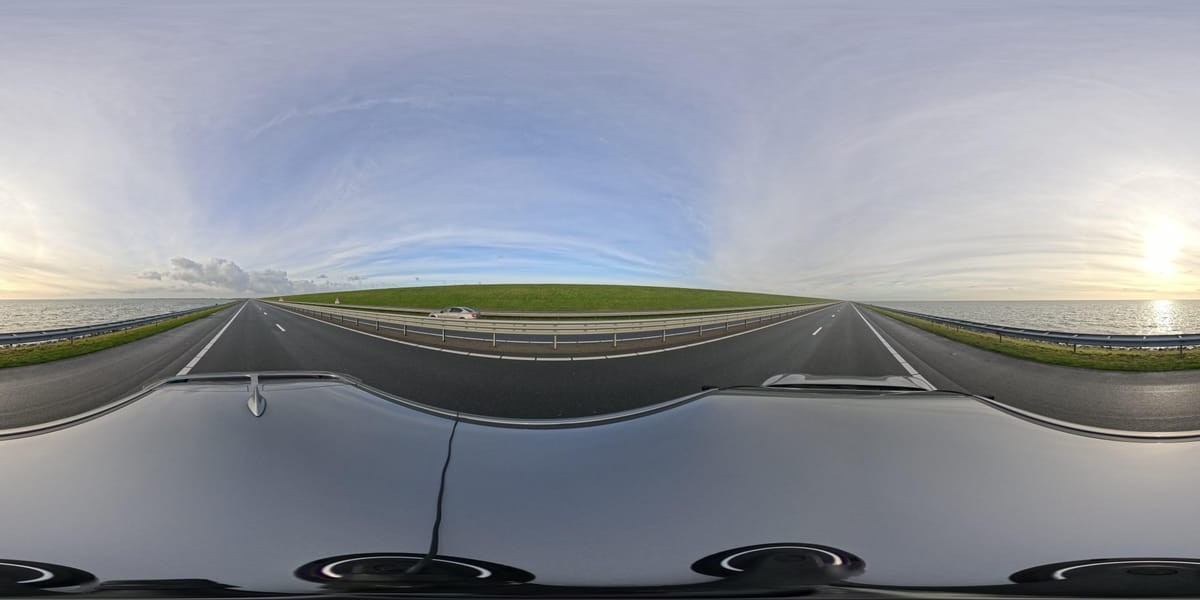
_2025-11-02_08H30M14S000_(1546019943479385_at_S5wp7d3cHai9lgKELnOqAW)_taken_with_GoPro_MAX2.jpg)
Comments ()