Antigravity A1 vs DJI Avata 360: Specs and Aerial Tours
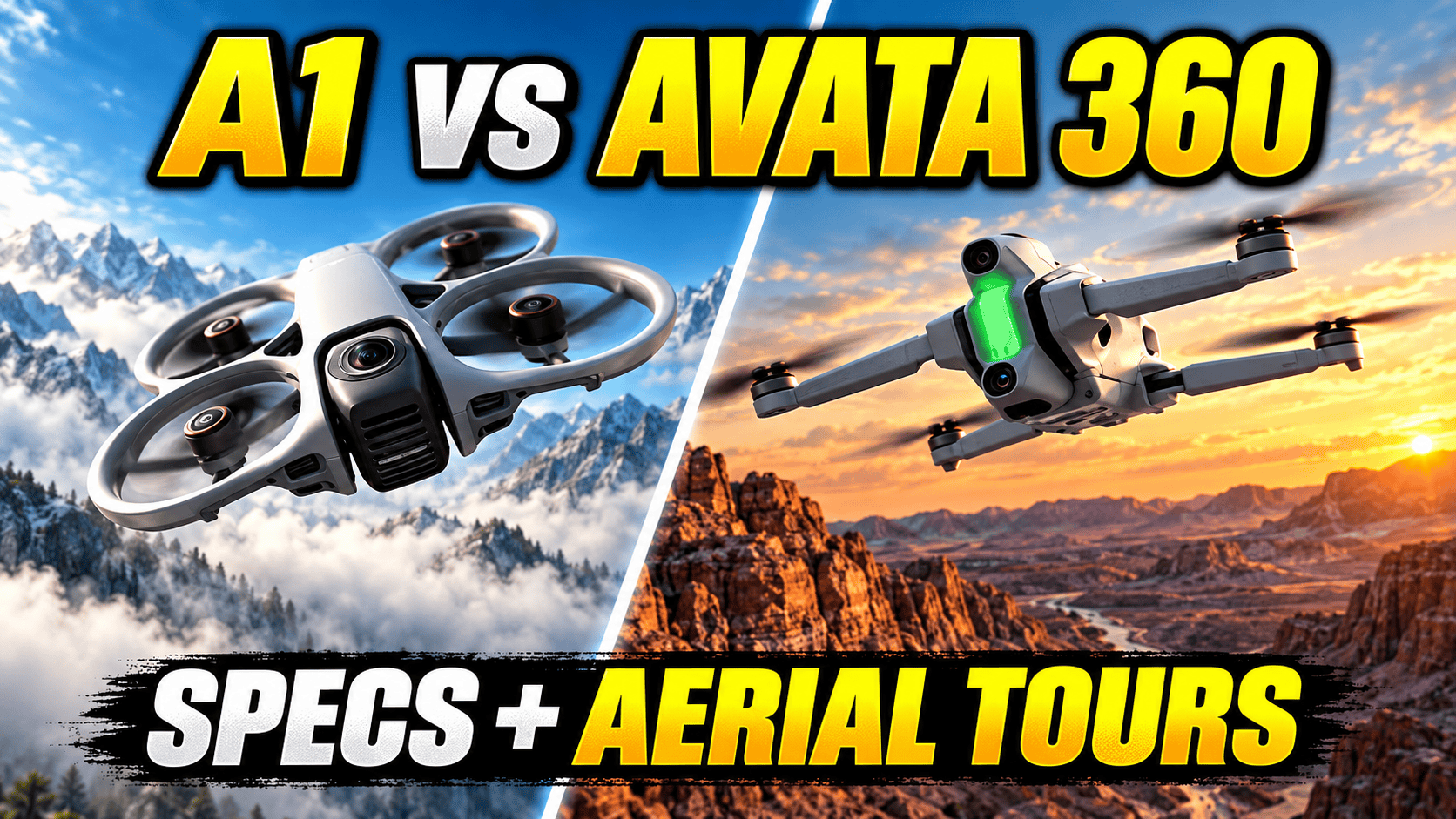
Technical head-to-head · Aerial 360 photography
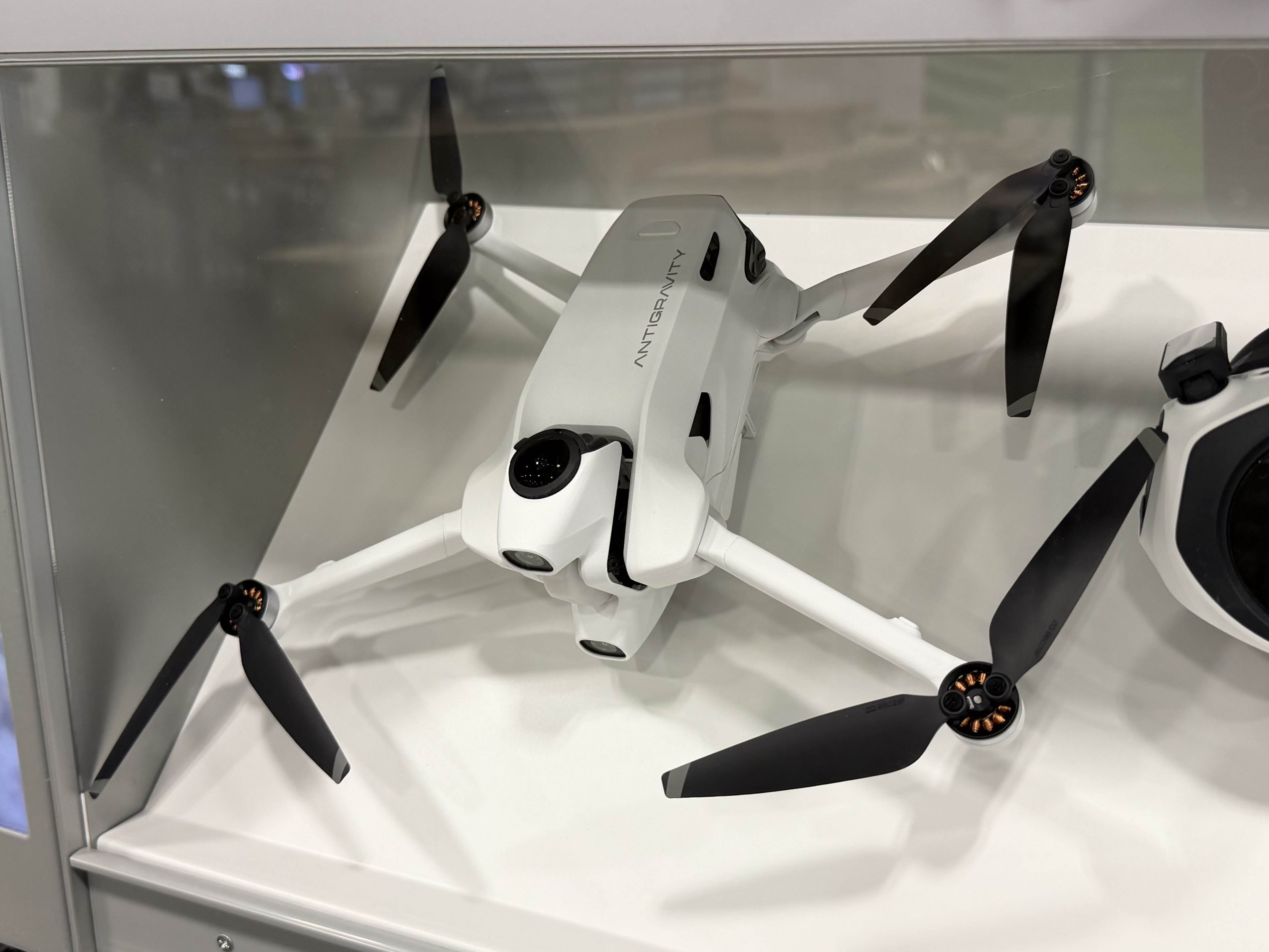
The A1 puts an 8K spherical camera in a lighter folding aircraft. Avata 360 offers higher-resolution stills, 8K60 recording and several controller options. For property, construction and travel work, the useful comparison is the complete capture-to-delivery system—not just the larger number on the box.
Which differences should decide the purchase?
Shortlist A1 for a lighter aircraft and its goggles-led workflow. Compare the complete packed kit, not aircraft mass alone. Its larger optional battery changes both takeoff weight and the manufacturer's flight-duration claim. Choose the configuration before comparing costs or portability.
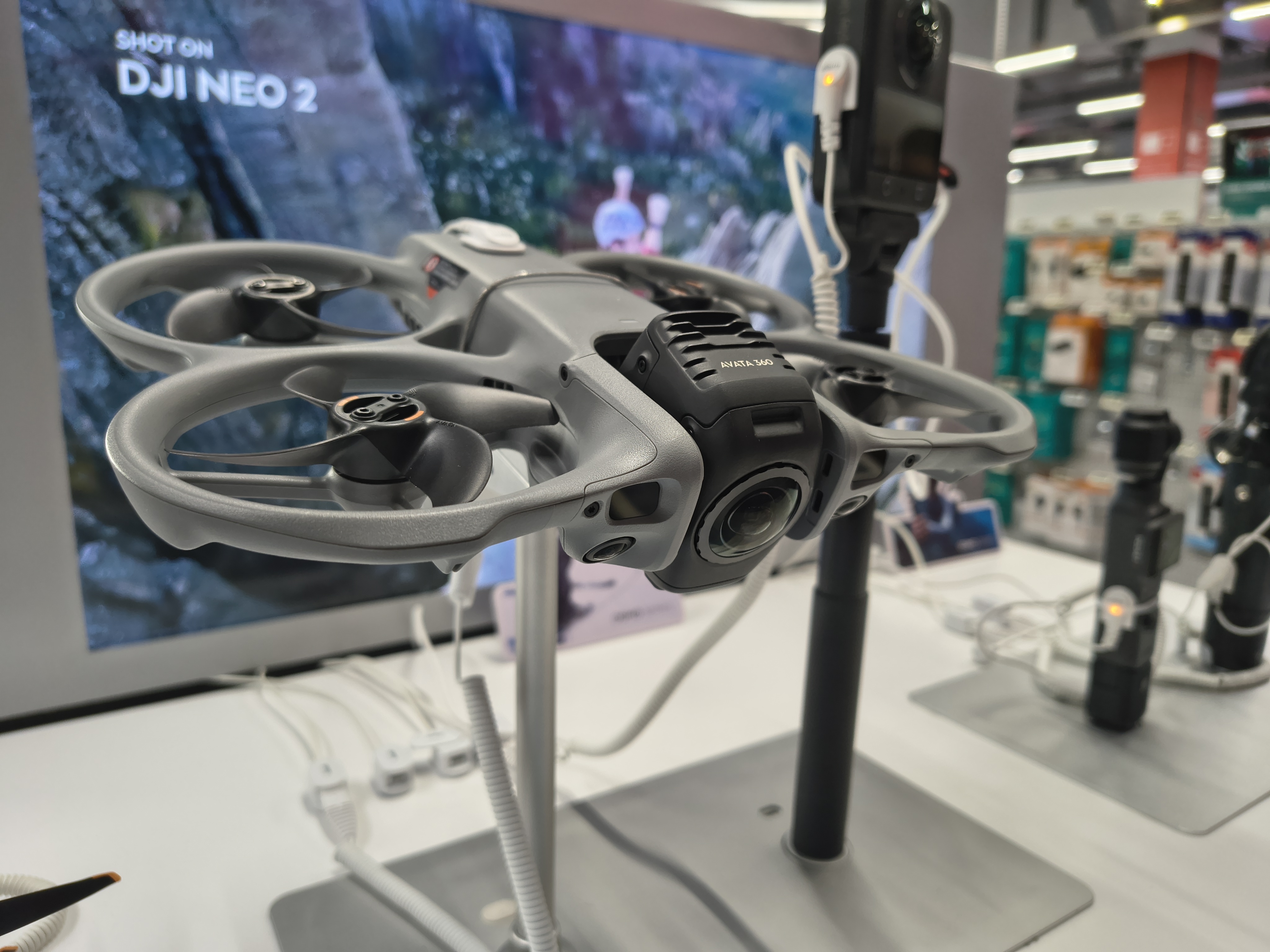
Shortlist Avata 360 for 8K60, larger still files or a conventional screen-controller route. The specification advantage is real, but the delivered image still depends on stitching, motion, exposure and software. Confirm that the controller you intend to buy enables the features you need.
Neither drone replaces a tripod camera for room-by-room virtual tours. Their strongest role is an exterior overview connecting buildings, access routes and surrounding land to ground-level scenes. A business offering only interior tours should first establish whether aerial coverage solves a recurring client need.
Sensor, exposure and still-photo comparison
| Parameter | A1 | Avata 360 |
|---|---|---|
| Sensor format | 1/ | Two 1/ |
| Aperture | f/2.2 | f/1.9 |
| Largest still | 10496 × 5248; 55 MP | JPEG: 15520 × 7760; 120 MP |
| Smaller still | 5248 × 2624; 14 MP | JPEG: 7776 × 3888; 30 MP |
| Formats | INSP, DNG | JPEG, DNG |
| Listed DNG sizes | Full mode matrix unverified | 15360 × 7680 or 7680 × 3840 |
| Photo ISO | 100–6400 | 100–6400 |
| Photo shutter | 55 MP: 1/ | 1/ |
| Photo modes | Standard, HDR, burst, AEB | Single shot; Pro controls |
| Fixed-focus range | Not established here | 1.5 m–infinity |
Sources: A1 specifications, Avata 360 specifications and DJI FAQ. DJI's regional pages were verified with the United Kingdom selected; some regions redirect to an unavailable page. Sensor-format names are not literal diagonal measurements. Focus range is not a promise of clean stitching at that distance.
Largest listed panorama width
A1 — 10,496 pixels
Avata 360 JPEG — 15,520 pixels
A RAW file is not automatically a finished panorama
A1 lists HDR and AEB, but the specification page does not establish every bracket count, exposure spacing, resolution and DNG combination. Do not promise full-resolution RAW bracketing from the separate presence of those labels. Its INSP route requires processing through the Antigravity app or Studio.
DJI lists single-shot photography. Do not infer AEB from other DJI cameras. More importantly, its current FAQ still describes DJI Studio editing of RAW 360 photos as future support and points users to third-party professional software. The DNG dimensions above therefore must not be read as proof of a finished, stitched RAW panorama from the aircraft or current Studio.
Before purchasing for a tour contract, obtain a representative capture set and complete the proposed export. Check the full sphere, seam continuity, horizon, sky gradients and retained detail after hosting compression. Preserve original lens files and record the processing software/version. A RAW checkbox cannot answer those production questions.
For Avata, there is a documented third-party route: PanoVolo's 1.12.0 release notes describe importing the matching UP and DOWN DNG files, stitching them and exporting linear DNG, 16-bit TIFF or JPEG. They also document batch processing and horizon/orientation adjustments. These are software-developer support statements, not our measured results. Select a full spherical output for a navigable tour; a rectilinear or other creative projection is a different deliverable. Confirm the exact resolution and capture mode against your installed software before committing to production.
8K30 versus 8K60—and controller-dependent flat video
| Parameter | A1 | Avata 360 |
|---|---|---|
| 8K: 7680 × 3840 | 24/25/30 fps | 24/25/30/48/50/60 fps |
| Intermediate sphere | 5248 × 2624 at 24/25/30/50/60 | 6000 × 3000 at 24/25/30/48/50/60 |
| High-speed sphere | 3840 × 1920 at 100 fps | No equivalent 100 fps sphere listed |
| Recording / codec | INSV; H.264/H.265 | OSV/MP4; H.265 |
| Bitrate ceiling | 170 Mbps | 180 Mbps |
| Color profiles | Full matrix unverified here | Normal, D-Log M |
| Flat 4K | Reframing route; direct-mode equivalent unverified | 3840 × 2160 or 3840 × 2880, up to 60 fps |
| Flat 2.7K | Direct-mode equivalent unverified | 2688 × 1512 or 2688 × 2016, up to 120 fps |
Sources: the manufacturer specification pages above. A1 separately lists 4K slow-motion playback at 24/25/30 fps; playback rate is not capture rate. Bitrate ceilings do not establish identical compression quality, nor does an 8K sphere deliver 8K detail into every cropped view.
Avata's 4:3 flat formats require Goggles 3/N3 with RC Motion 3 or FPV Remote Controller 3. Its 4K rates are 24/25/30/48/50/60; 2.7K adds 100/120. Screen controllers provide RockSteady 3.0 in single-lens mode; the listed goggles combinations also permit HorizonBalancing. Single-lens mode is video-only.
DJI specifies video ISO up to 25600 in Normal at lower-rate 8K and at 6K, versus 12800 in D-Log M; 8K48/50/60 and single-lens video top out at 12800. These ceilings are not measurements of usable low-light quality. Compare graded exports at a common viewing size before deciding that faster recording or a larger sensor format improves the actual deliverable.
The cited tables do not establish a complete mode-by-mode bit-depth or audio-recording matrix for this comparison. Do not infer those capabilities from H.265 support or a log-profile label. If a job requires a particular color pipeline or synchronized sound, verify a representative original file and the intended export before purchase.
Aircraft, battery, storage and field handling
| Parameter | A1 | Avata 360 |
|---|---|---|
| Takeoff mass | 249 g / 291 g, battery-dependent | Approximately 455 g |
| Dimensions, mm | Folded: 141.3 × 96.2 × 81.4 | 246 × 199 × 55.5 |
| Flight-time claim | 24 / 39 minutes | 23 minutes; hover 22 minutes |
| Battery energy | 16.9 / 31.1 Wh | At least 38.67 Wh |
| Internal storage | 20 GB | 42 GB |
| Removable storage | microSD up to 1 TB | Recommended card list includes 1 TB |
| Temperature | −10 to 40°C | −10 to 40°C |
| Wind claim | 10.7 m/s | 10.7 m/s |
| Wi-Fi / Bluetooth | 802.11ac / 5.0 | 802.11ax / 5.4 |
Battery-dependent A1 figures are standard / high-capacity respectively. Sources: manufacturer specifications linked above. Both flight-duration tests used forward flight without video recording: A1 at 6 m/s in controlled windless conditions, Avata at the equivalent 21.6 km/h with the camera in Photo mode. These are depletion-based manufacturer tests, not safe working-time budgets or matched endurance measurements.
Avata's battery specification is at least 2700 mAh at 14.32 V. Compare watt-hours rather than mAh across different voltages. Its published full-charge time is approximately 47 minutes for one battery through the 100 W hub, or 73 minutes directly in the aircraft at up to 65 W, tested at 25°C. The hub's three-battery full-charge claim is approximately 100 minutes; parallel charging requires at least 65 W input. Plan power for the controllers and goggles too.
A1 lists 2360 mAh and 4345 mAh batteries, both at 7.16 V. At 25°C, its standard battery charging claim is approximately 45 minutes through the hub or 58 minutes in the aircraft; the high-capacity battery figures are 60 and 103 minutes respectively. Antigravity recommends its 65 W GaN charger. These are separate manufacturer's charging tests, not an equal-power head-to-head result.
For a field comparison, weigh the entire working bag with the same intended number of sorties. Include chargers, spare batteries, controls, lens protection and storage. Aircraft mass alone does not measure travel convenience, and additional battery energy does not imply proportionally longer footage capture.
Control systems and sensing are part of the camera workflow
DJI's compatibility FAQ lists RC 2, RC-N2 and RC-N3 as standard controllers. Goggles 3/N3 require RC Motion 3 or FPV Remote Controller 3. Head tracking and acrobatic features depend on the control combination; QuickShots and ActiveTrack 360° require a standard controller. Manual flight mode is not supported. Confirm the exact bundle before assigning value to a feature.
A1's specification documents its Vision Goggles and Grip Motion Controller as a connected system. Its sensing description is forward/downward vision plus bottom infrared, not blanket all-direction protection. Avata documents omnidirectional sensing in 360 mode, but only forward sensing in single-lens mode; DJI also requires suitable surface texture and lighting. Neither system establishes that thin wires, scaffolding or people can be approached safely.
Transmission range is not an operating-radius recommendation. Radio claims depend on regional standards, interference, obstacles and one-way test conditions. Check the rules and site permissions applicable to the actual assignment; this article does not establish legal flight eligibility for either aircraft.
DJI's FAQ documents QuickTransfer to a phone and copying to a computer over a data cable without powering on the aircraft. Video editing uses DJI Fly on mobile or DJI Studio on desktop. A1's specifications identify the Antigravity app and Studio as its INSV/INSP processing route. File transfer, stitching and tour-ready export are separate steps: confirm all three on the phone or computer you intend to take into the field.
Property tours, construction records and travel photography
| Job | Useful output | Acceptance check |
|---|---|---|
| Property overview | One spherical scene explaining buildings and access | Accurate links into the ground-level tour |
| Construction progress | Dated exterior context plus detail photographs | Document viewpoint changes and missing coverage |
| Travel story | Location overview with reframed supporting clips | Both the full sphere and mobile delivery look correct |
For property work, select a viewpoint that communicates something the room photographs cannot. Label buildings and entrances with the client's confirmation. Do not imply a continuous walking route between an aerial node and an interior node.
For construction-site virtual tours, retain dated originals, scene identifiers and processing history. Combine the overview with ground-level panoramas and separate close-up photographs. A visual progress tour is not automatically a survey, a dimensional measurement or proof of compliance. Review the complete sphere for sensitive information before distributing it.
For travel photography, use the aerial scene to introduce geography, then move into ground-level storytelling. Owner-operated Panorra is a related panoramic storytelling service; no tested integration with either aircraft is claimed. GoThru operates this publication, and a complete camera-specific upload/export trial remains necessary before promising compatibility to a client.
Continue with the individual Antigravity A1 guide, DJI Avata 360 guide or two-camera comparison selector. The decision should follow the output and control workflow you need, not an invented overall performance score.



.jpg)

Comments ()