
How To Transfer A Tour To Another Gothru Account
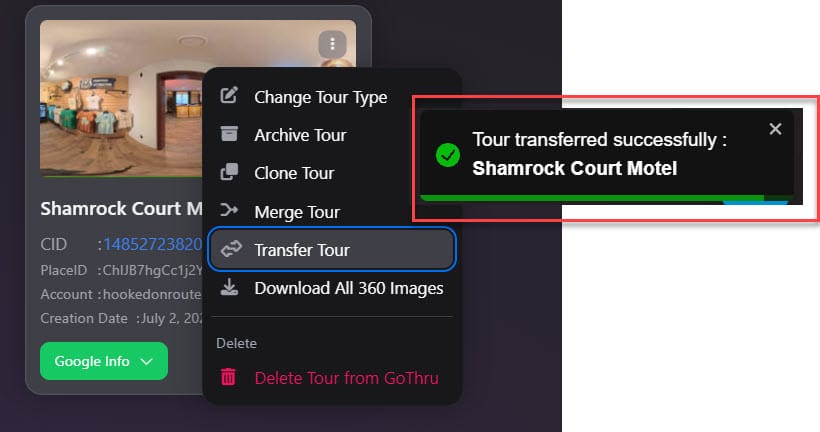
To transfer a tour project to another GoThru account for example from a personal account to a company account, you can follow the easy and simple steps below.
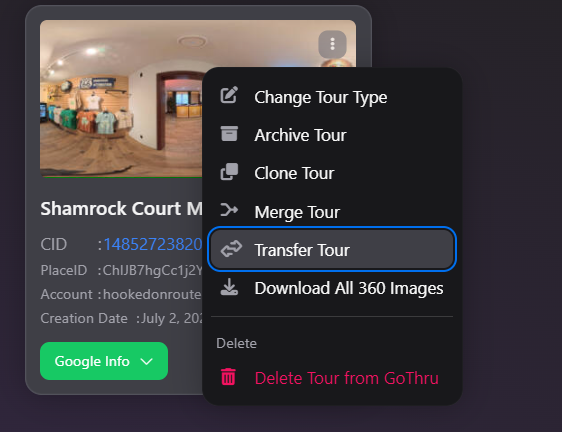
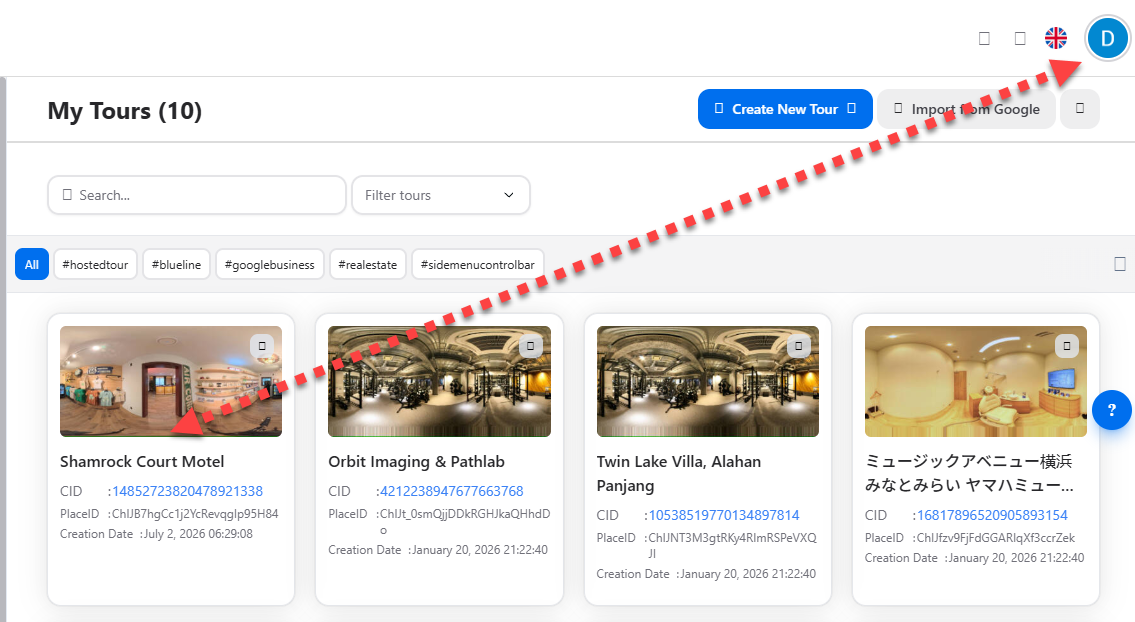
1. Go to My Tour, locate the tour then press the three-dots menu then select transfer.
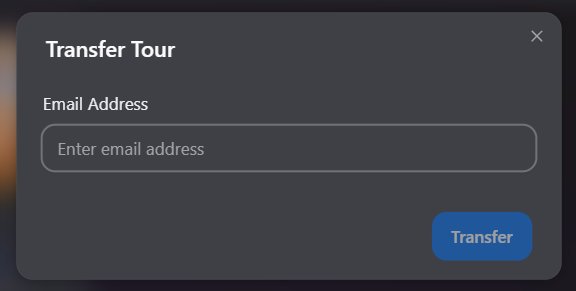
2. In the new window that opens please type the email address of the recipient account or the company account owner. Press Transfer.
4. The tour is quickly transferred to the account.
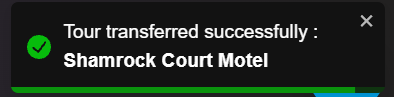
5. As soon as it is transferred, the tour will show up on recipient`s Constellation Manager and the owner of the account can now moderate the tour project in Moderator or Overlay Editor. Keep in mind that any changes made to the transferred tour will be saved as a different tour project.
6. That's it! You can repeat the steps above to transfer the tour to other GoThru accounts.