
How To Re-name A Listing In GoThru
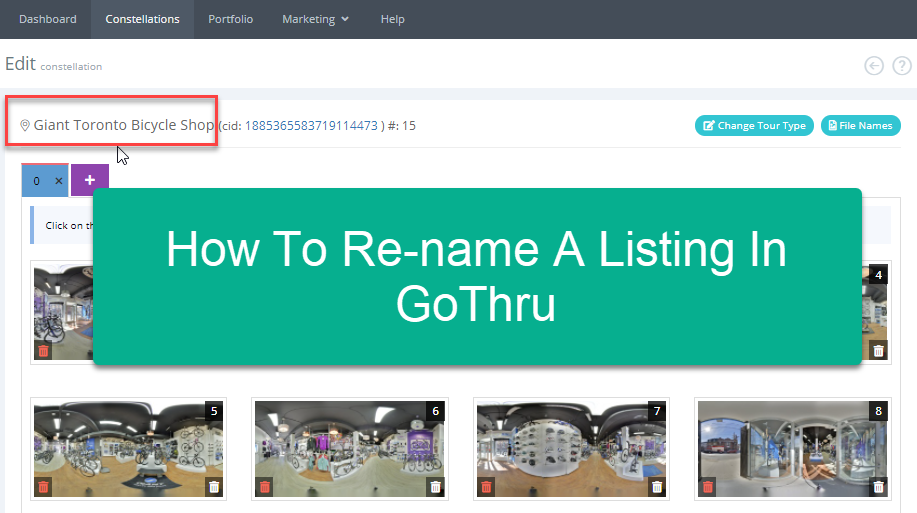
Changing your listing name that shows up on GoThru and Google Maps is fairly simple.
To do that, follow the steps below.
1. Go to My Tour.

2. Navigate to the tour you want to change name. Open it up.
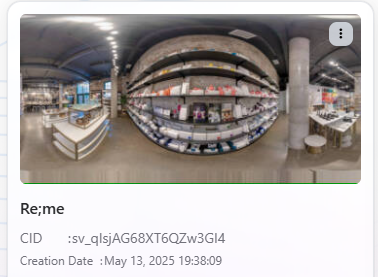
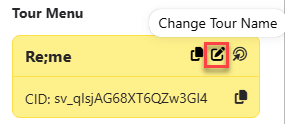
3. In the Tour page, press Change Tour Name.
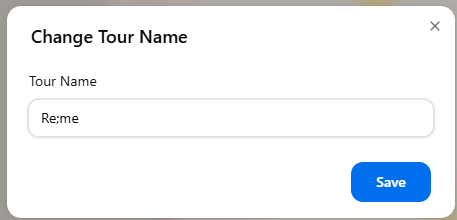
4. Prompt window will appear asking you to enter a new name then press Save.
5. Immediately GoThru will apply the new name to the listing.